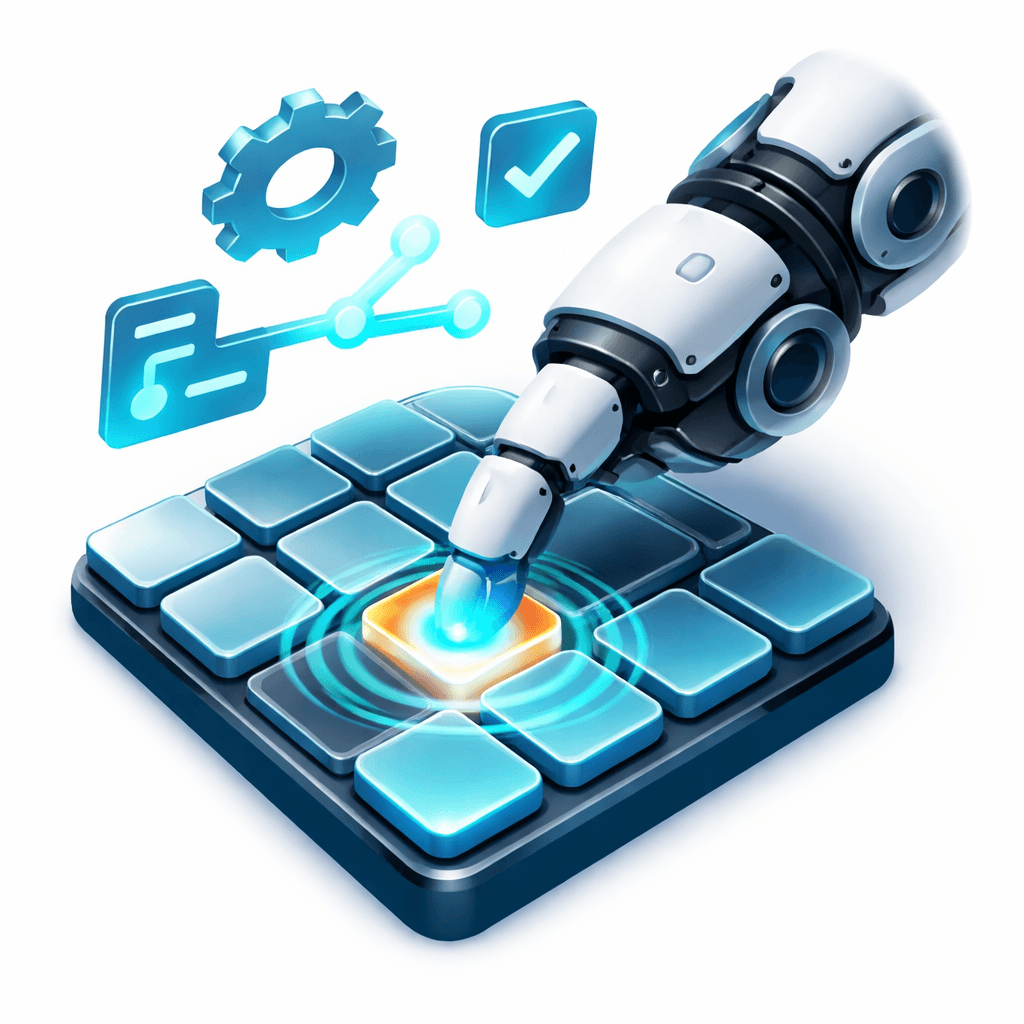
TACTIX - Digital Twin Tactile Interface
Physical input interface for Digital Twin systems
Created on 1st February 2026
•
TACTIX - Digital Twin Tactile Interface
Physical input interface for Digital Twin systems


The problem TACTIX - Digital Twin Tactile Interface solves
Robotic and Digital Twin systems still rely on screens, joysticks, or opaque gesture recognition to translate human intent into action. These interfaces either demand constant visual attention, collapse complex intent into continuous motion, or hide decision-making behind machine learning models that are difficult to interpret and validate.
As a result, there is no simple way to issue structured, symbolic commands to a robot or Digital Twin using a physical, reliable, and inspectable input method especially in environments where screens, speech, or cameras are impractical.
This project addresses the lack of a tactile, interpretable input layer between human operators and Digital Twin systems by encoding intent through tap location, timing, and intensity on a soft sensor surface. The result is a deterministic control interface that supports discrete commands, sequences, and replayable interactions without relying on vision or learned models.
Challenges we ran into
1. Noisy piezo signal behavior
Piezo sensors do not produce clean, repeatable signals. The same physical tap can generate different peak values depending on surface tension, mounting pressure, or nearby impacts. Small vibrations often triggered multiple sensors, while light taps were occasionally missed. Getting consistent detection without hard-coding sensor-specific behavior required careful thresholding and timing control.
2. Keeping the physical grid and virtual grid in sync
As soon as grid size, spacing, or orientation became configurable, mapping physical sensor indices to the correct logical tile started to break. Off-by-one errors and mismatched layouts caused taps to land on unintended tiles. This forced a strict indexing model and a single runtime authority for grid generation and validation.
3. Preventing accidental commands during AR calibration
While placing and scaling the grid in AR, normal touch interactions overlapped with command input. Without isolation, calibration gestures triggered robot movement. The system had to explicitly separate calibration state from interaction state and ignore all command input until placement was locked.
4. Supporting both hardware and non-hardware input without duplicating logic
The same grid needed to respond identically to piezo input, mouse clicks, and touch events. Early versions split this logic, which caused subtle differences in behavior. The input path was refactored so all sources resolve to the same grid activation pipeline.
Tracks Applied (1)