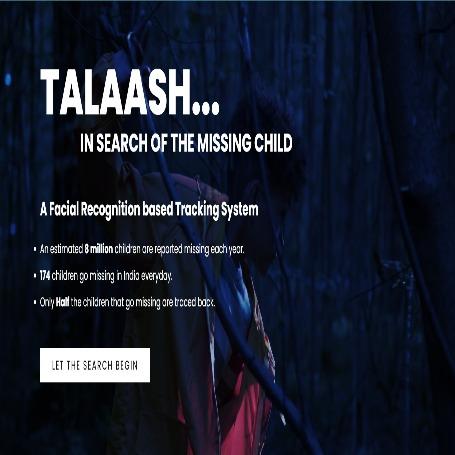
Finding the Missing Child....
A (Web+Mobile) Application tracking system which allows citizens to confirm if an unattended child is missing or not using Facial Recognition by Comparison from our Database of Missing Children.
Created on 23rd April 2022
•
Finding the Missing Child....
A (Web+Mobile) Application tracking system which allows citizens to confirm if an unattended child is missing or not using Facial Recognition by Comparison from our Database of Missing Children.


The problem Finding the Missing Child.... solves
- By Using Machine learning & AI, build a Missing Children Tracking system on the go to assist Central authorities(Gov, NGOs etc) inorder to prevent crimes such as child kidnapping and abduction of missing children.
- Here we will have a database of Missing people, and whenever someone try to ping any photo against it, an algorithm hits off thats start matching those photographs with available database using our Face Recognition Mode .
- It would allow the user to report exact location of sighting of the child using Google Maps.
We will allow filters based on all info available of the missing child to search them from admin side in our Web App. - From admin side, we also allow admin to add details of a child he spots an unattended child and upload his/her image with details in our Web App.
- It will be an open-source product and free-to-use application that citizens can use to identify if an unattended child is missing or not.
Challenges we ran into
-
Implementing Add Images Functionality at Flask(Admin) End.
Solution: Made use of the fileupload feature provided by the html and stored it in our application which was eventually pushed into the database. -
Protection of routes and Exception handling at Admin End in Flask.
Solution: We checked the current user with the help of a firebase function. For Invalid Routes, we made use of a decorator 404. -
Camera and Storage permissions issue of emulator device in Flutter(User) end.
Solution: Enabled all the permissions by adding the appropriate xml tag in the android manifest.xml file , same was done for ios in runner.plist file. Also checked for the errors. -
Dragging and Placement of Marker for finding the address of that location in Google Maps.
Solution: With the help of geolocation and geocoding API we successfully figured out the address of the location pointed by the marker. -
Integration issues between Admin(Flask) and User(Flutter) while establishing the http request response cycle.
Solution: Made 'POST' Request from the User End to the appropriate route in the Admin End and also checked for Various errors if present and returned the responses accordingly.