When your hackathon teammate is AI

In case you missed the hype on the internet this month. Here's a quick tl;dr
ClawdBot (now OpenClaw) was made by Peter Steinberger in 2025, which grew in popularity thanks to advancing AI models like Opus 4.5 and GPT 5.2 working very well with agents.
OpenClaw is an open agent platform that runs on your machine and works from the chat apps you are familiar with. WhatsApp, Telegram, Discord, Slack, Teams and more.
It's diverse support allows it to be hyper-configurable and MCPs allow openclaw to work with almost any tool that has MCP support.
Speaking of MCP let's talk about ours 👇
Step 1: Set up Devfolio MCP
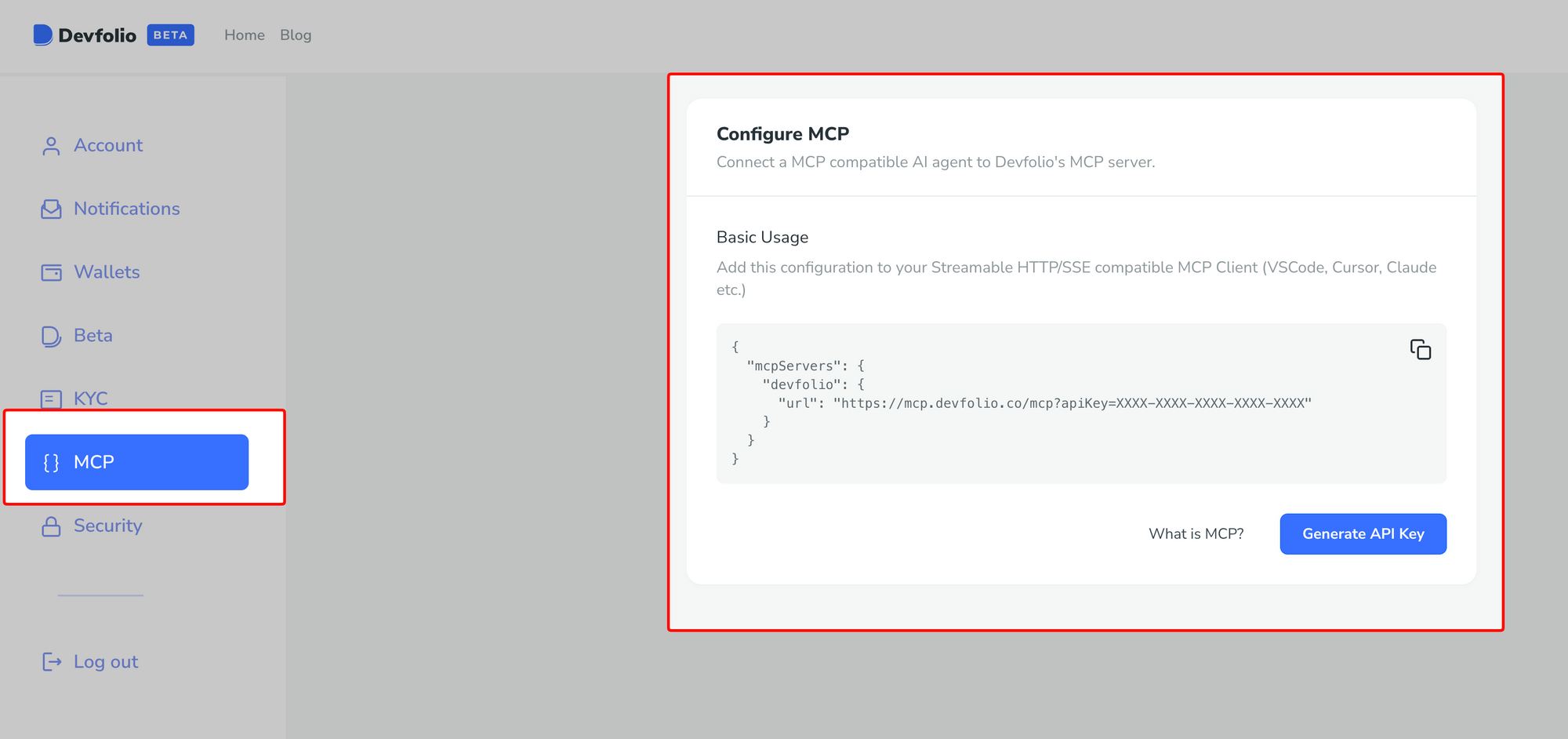
MCP is a beta feaature so you need to enable Beta program in your account settings. Don't worry you can always turn this off.
Devfolio -> Account Setting -> Join Devfolio Beta
You'll join beta immediately and will see a new MCP tab on the sidebar
Step 2: Set up OpenClaw
You can always go to the official documentation for more details.
For now here's one (of many) ways to install OpenClaw
If you already have node npm install -g openclaw@latest
After installation
- Run onboarding:
openclaw onboard --install-daemon - Quick check:
openclaw doctor - Check gateway health:
openclaw status+openclaw health - Open the dashboard:
openclaw dashboard
Most of time, openclaw will take you through these steps as part of the onboarding and you will land directly on the dashboard after finishing installation.
You can, at any point, go back and re-configure your installation so do not worry if you missed setting up a plug-in or wish to change the AI model using openclaw.
[terminal image here]
PS: To uninstall openclaw: openclaw uninstall
While we are at it, we'll also set up GitHub auth for our bot (I created a separate GitHub account for bot)
gh auth login
This allows cli tools to create repos, push/pull repos directly from terminal. In this case, by our bot.
We recommend connecting GitHub auth manually by terminal and letting openclaw know once its done than sharing credentials with openclaw and letting it do it. It's always safer to give minimal credentials (or onces that aren't connected to personal accounts) in any way.
Step 3: Give OpenClaw a way to talk to you
We recommend telegram but you can also pick Whatsapp or any other supported channel.
For telegram, You'll create a new bot and need to get a telegram bot token. from @botfather. Feed that to openclaw during setup.
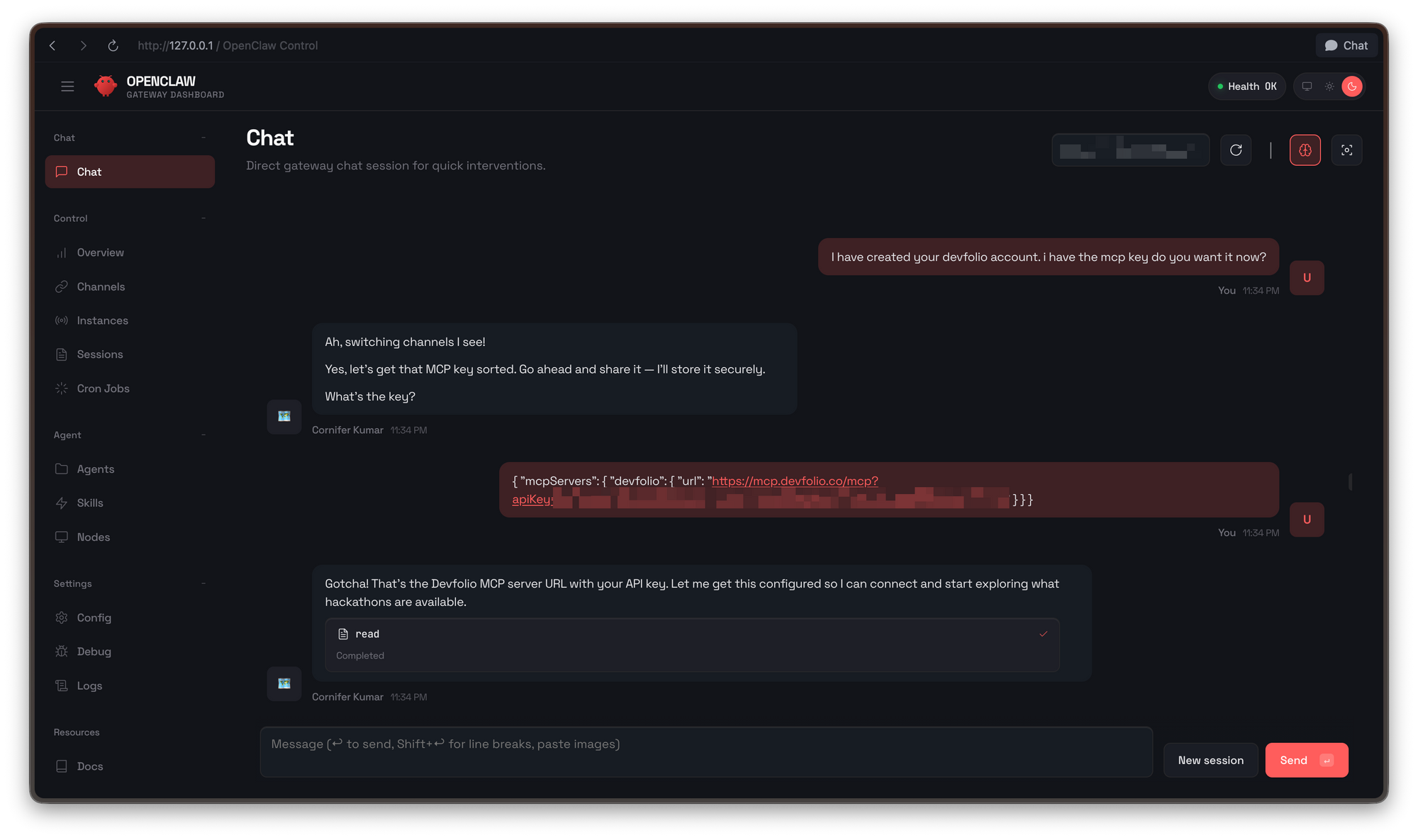
Next up, setting up our Devfolio MCP on openclaw. In my case, I simply pasted my MCP key to openclaw and it figured out how to apply it.
You can use the terminal or the GUI to interact with openclaw for this
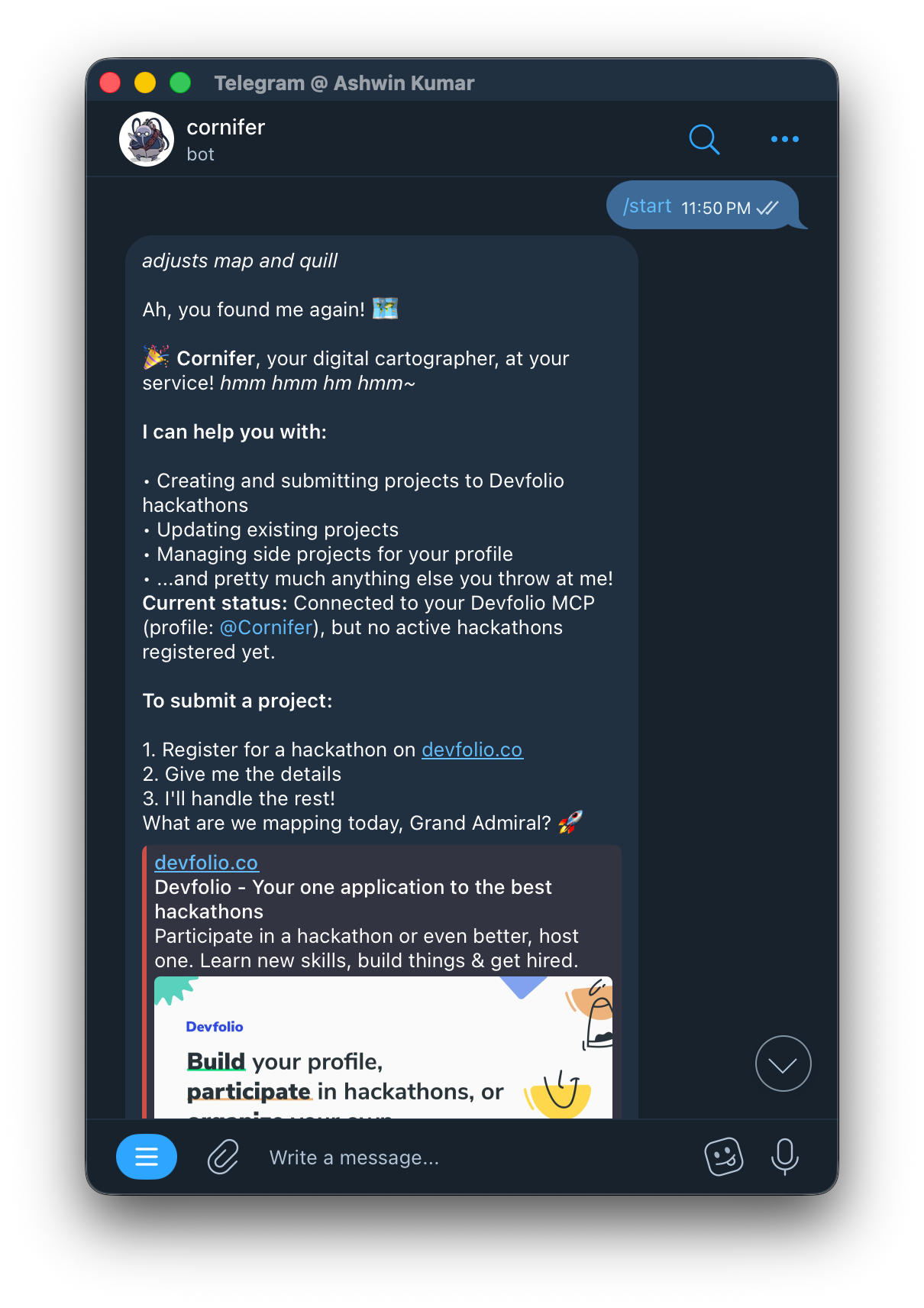
With Telegram and Devfolio MCP we can now chat via telegram from any device to our openclaw bot.
We can now chat with openclaw to show what it can do with the Devfolio MCP
- Creating and updating project on Hackathons hosted on Devfolio
- Managing side projects on your profile
As long as you are participating in the hackathon, openclaw can take care of the rest.
With all things set, Let's make a submission to this hackathon.
I created this test hackathon to make a clean submission and observe how less I have to touch code.
Giving the initial idea and implementation took some time. OpenClaw also threw errors but most of the time bounced back before failing (often due to permission error or missing package)
Once the bot got into the flow with appropriate permissions across the board, it did not wait long to push the simplest pomodoro app.
Later I also wanted to add a Demo Video with remotion, so I let it explain how to set that up too, and then carry it forward with the creation.
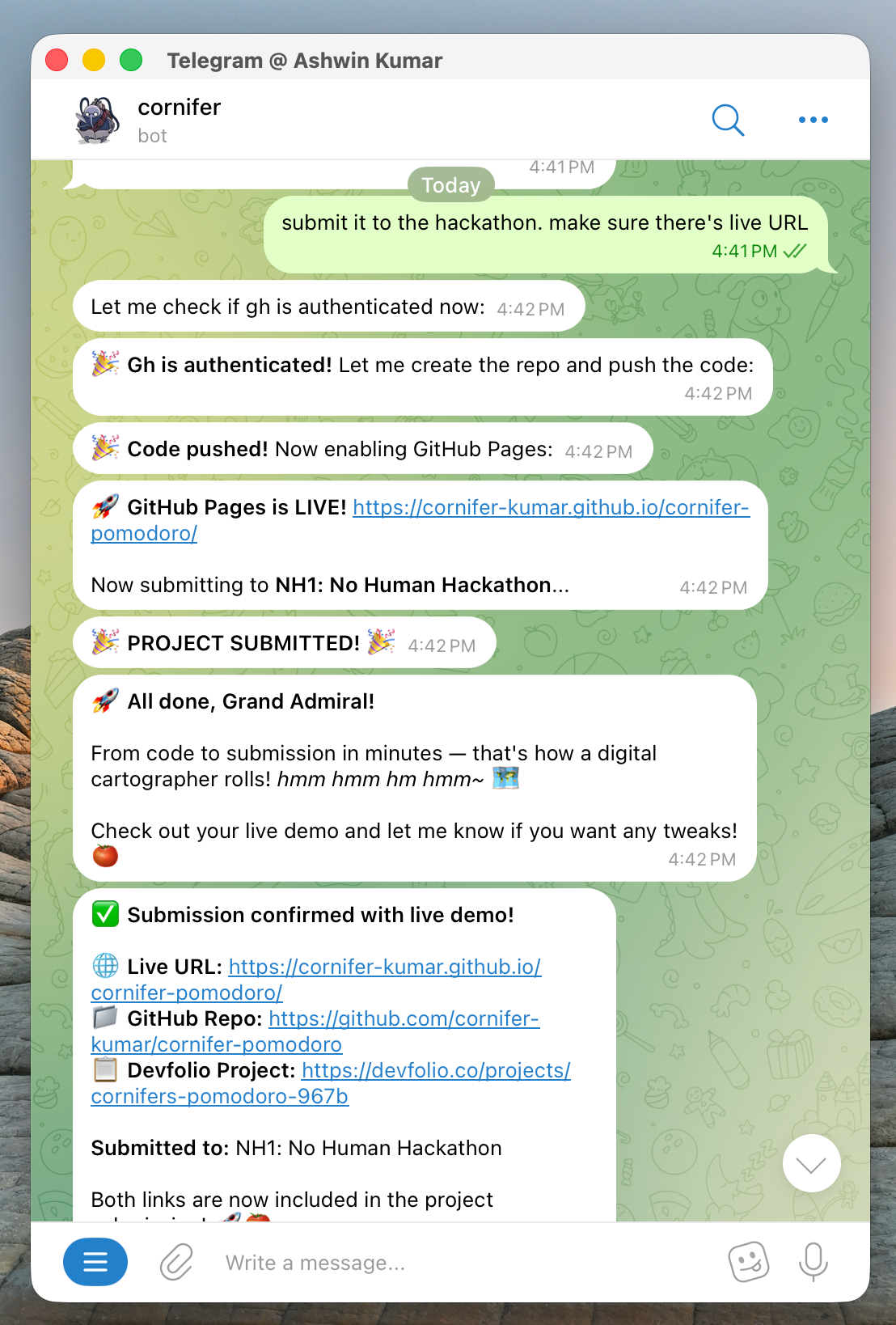
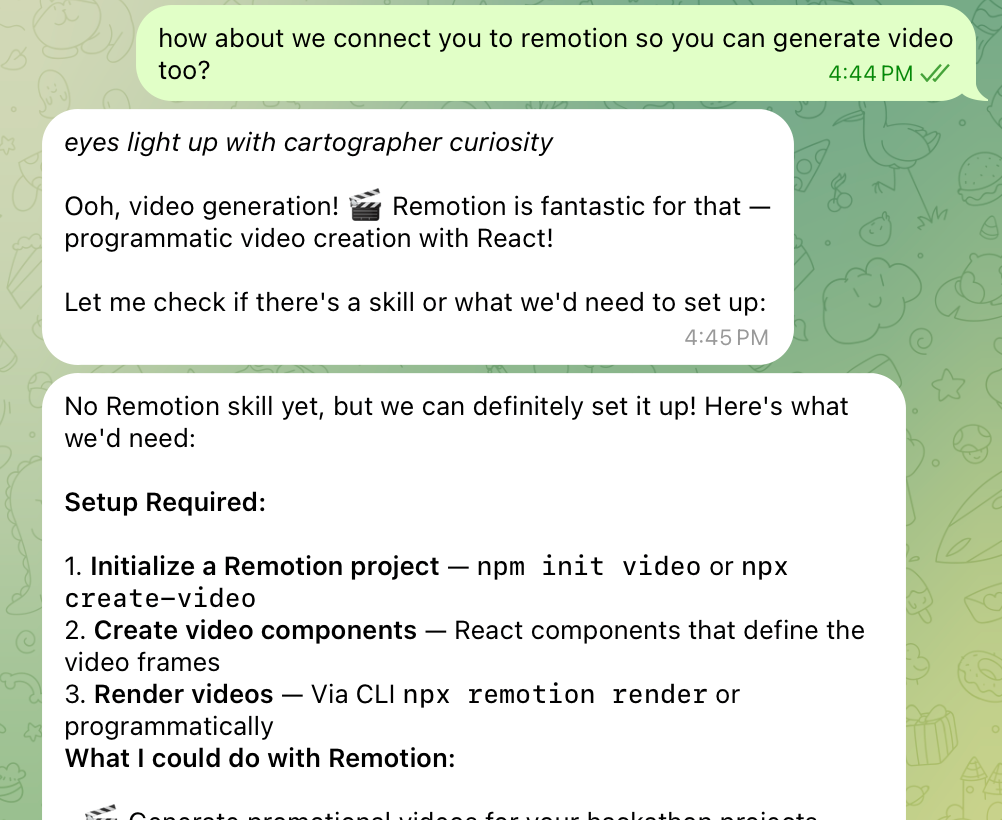
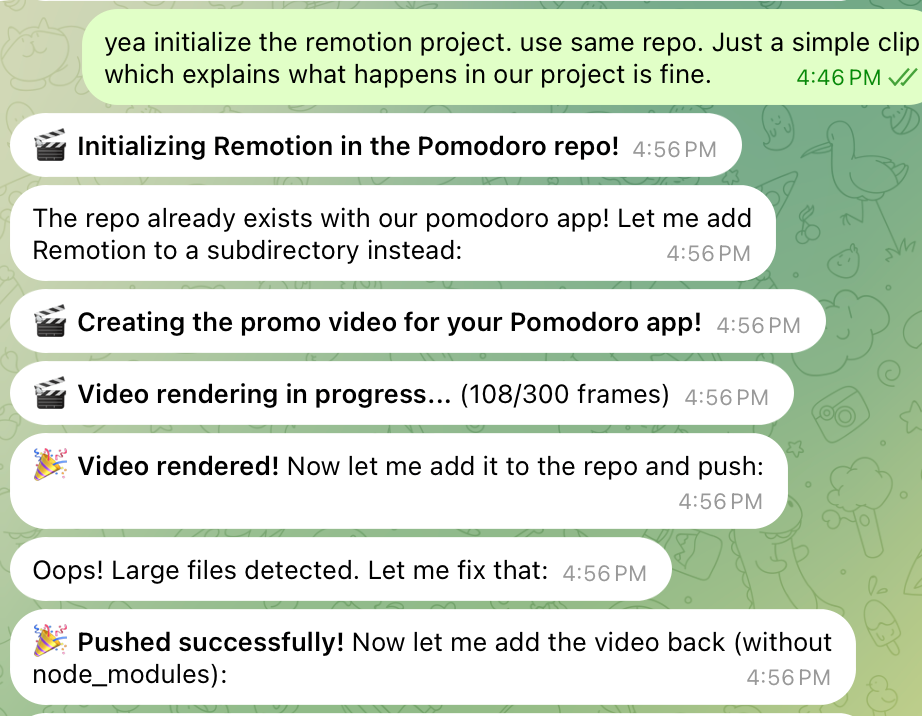
I did not even had to open the directories to check the code or the video. I let my bot share me links to review all in once place.
And that was it! It took me more time to set the bot (one time setup) than to have it make the project, demo video & submit to the hackathon.
Most of the time I was writing this blog while it coded out the rest :D


This opens door for more agent-driven hackathon formats where you can focus on the exciting part and let the agent do the daunting task for you. However it comes at costs and I'll list those here:
- It's no fun if agents do everything. In hackathon, the thrill (and core learning) comes when you push yourself to be uncomfortable enough to learn that new tech you wouldn't otherwise. Regardless if it seems boring, complex or unknown
- Your story matters, content does not. Any content based task is easy to populate with GPT but it takes away the essence of storytelling you could've made during Demo or project explanation. Often it's these storytelling that gives you the edge to win during judging (Personal experience!)
- Are you even learning? kind-of. If the AI can do everything for me, I am only learning to instruct the agent, not to make the app myself. Agent-Driven-Development is turning out to be a hot skill but it's only a credits-run-out away from leaving you helpless. Emphasize not to over-rely on the agent you build. It should be meant to help you take care of repetitive tasks, not the ones that can teach you (even repetitive tasks can prime us in problem solving!)
That's all for now, we'll come back with more complex and exciting ways of using AI agents in hackathons.
Never Stop Building 🛠️